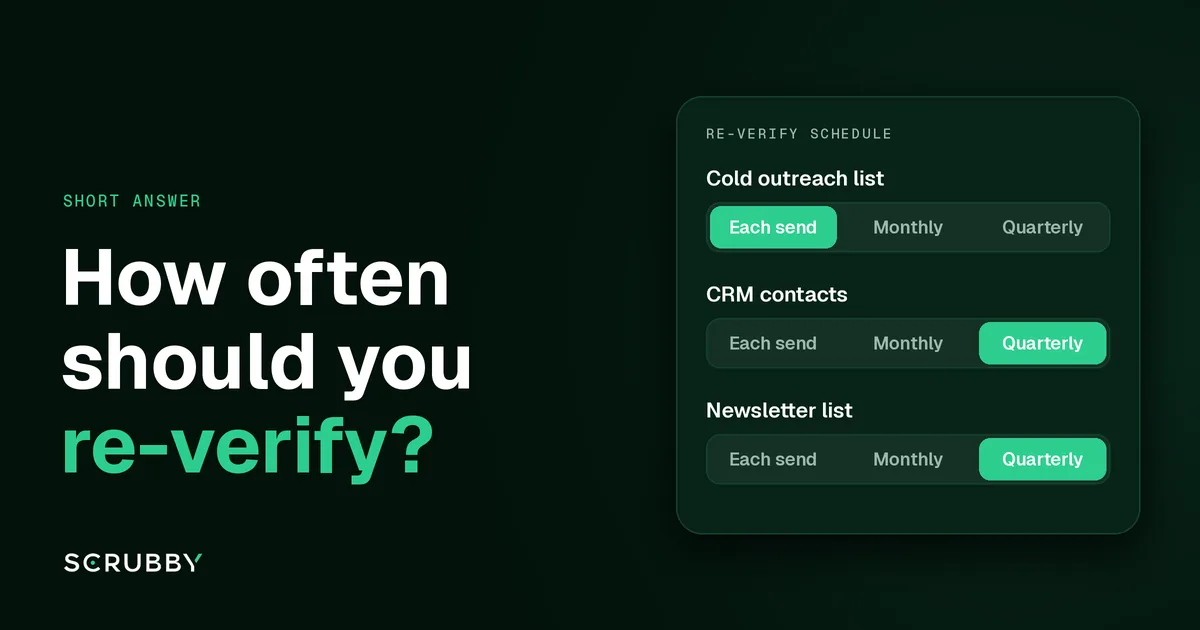
Short answer: re-verify any address right before you send to it if it hasn’t been checked recently, because a verification result only describes the address on the day it ran. For lists you mail continuously, run a full pass on a schedule: quarterly for most senders, monthly if you send at high volume or do cold outreach. Verify new records as they come in, so the scheduled pass has less to catch.
Why a Verification Result Expires
Verification checks whether a mailbox exists and accepts mail at that moment. Nothing about the result stops the address changing afterwards. People leave jobs and their work mailbox is closed. Companies rebrand and retire a domain. Inboxes get abandoned and eventually shut down. Our guide to email list decay covers why this happens even to carefully built lists.
So “this list was verified” is only half a fact. The other half is when.
A Re-Verification Schedule by List Type
The right interval depends on how the list is used and how much a bounce costs you.
| List | When to re-verify |
|---|---|
| Cold outreach list | Right before each campaign launch, and on any list waiting more than a few weeks to be sent |
| Newsletter or marketing list | At signup, then a full pass every quarter |
| CRM contacts | When records are added, before any campaign, and a full pass every quarter |
| Purchased or scraped list | Always before the first send, no matter what the seller says |
| Dormant list, unmailed for months | A full pass before any send, then a gentle restart |
Cold outreach sits at the strict end because B2B addresses go stale when people change jobs, and cold campaigns send from domains with less reputation to spare. If you’re sending through a tool like Instantly or Smartlead, our guide to validating lists for cold outreach platforms shows where the check sits in that workflow.
Triggers That Beat the Calendar
Some events call for a re-verify whatever your schedule says:
- Bounces rise on a campaign. Stop, verify the rest of that list, and suppress what fails before the next batch.
- You import or merge data. A CRM migration or a list from a new source should be verified before it mixes with clean records. See cleaning a list after a CRM migration.
- You’re about to win back old contacts. Re-engagement campaigns go to the oldest, riskiest part of any list. Our win-back validation guide covers it.
- You switch sending platform. A new ESP or sequencer has no history with you, so starting clean matters more.
Re-Verify Everything, or Only What’s Stale?
You don’t have to re-run the whole file every time. Addresses verified a few days ago don’t need another check. Focus on records that haven’t been checked since your last campaign, plus anything that came back uncertain last time.
On Scrubby, Quick Verification at 1 credit is the right tool for routine re-checks. Send only the addresses that stay uncertain to Deep Verification at 3 credits. Unused credits on monthly plans roll over while the subscription is active, so a quarterly pass doesn’t mean wasted credits in the months between. Current rates are on the pricing page.
FAQ
How long is an email verification result valid? There’s no fixed expiry. It describes the address on the day of the check. Treat results older than your last campaign as due for another look before you send.
Do I need to re-verify a list I verified last month? If it’s a cold outreach list that hasn’t been sent yet, a quick re-check before launch is cheap insurance. For a newsletter list verified at signup, the quarterly pass is usually enough.
Is re-verifying the same as removing inactive subscribers? No. Verification tells you whether an address can receive mail. Engagement tells you whether the person wants it. Do both, separately.
What should I do with addresses that fail a re-check? Remove invalid ones and add them to your suppression list so they don’t come back in the next import.
Re-check the list you’re about to send. New accounts start with 200 free credits, and no card is required. See pricing.

Amit S.
Marketing Lead