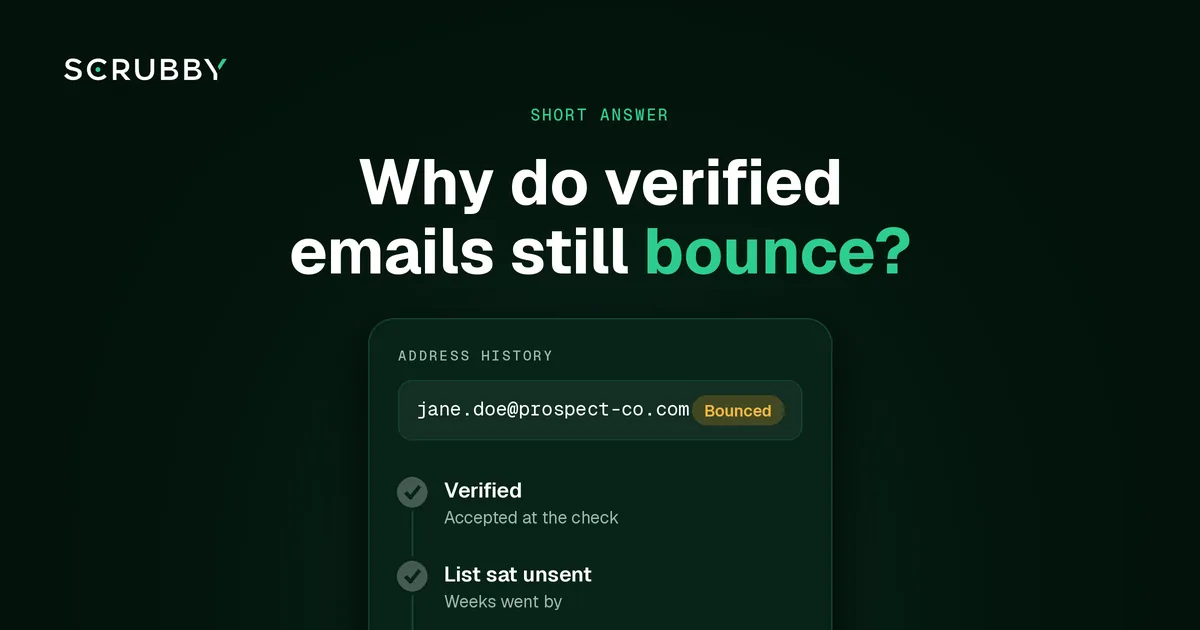
Short answer: verified emails bounce because a verification result describes an address on the day it was checked, and some servers accept an address at the check and reject it later. Many bounces also have nothing to do with whether the address exists: full mailboxes, server outages and blocks against the sender all come back as bounces too. Read the bounce code before you blame the verifier.
Six Reasons a Verified Address Bounces
1. The result went stale. The list was verified, then sat for weeks. In that time people changed jobs and mailboxes were closed. See why email lists decay.
2. A catch-all server accepted it, then bounced it. Catch-all servers say yes to every address during a standard check. Some then reject mail for mailboxes that don’t exist after accepting it, so the bounce arrives later. If your verifier counted “accepted” as valid, it never confirmed the mailbox.
3. It was a soft bounce. A full mailbox, a server that was briefly down, or greylisting can bounce a message to a mailbox that’s real. These are temporary.
4. The receiving server blocked you, not the address. Policy bounces happen when a server rejects mail because of the sender’s reputation, missing authentication or content. The address is fine. Your sending setup isn’t.
5. The data changed after verification. A CRM edit, a merge, a re-import or a mapping error can change an address after it was checked. The address you sent to isn’t the one you verified.
6. The verifier couldn’t see the whole picture. Standard checks rely on what the server says during a handshake. Servers that hide their real answer give a check little to work with. How SMTP verification works, and where it fails explains the limits.
Read the Bounce Code First
The bounce message tells you which of the six you’re dealing with.
| Bounce type | What it usually means | What to do |
|---|---|---|
| Hard bounce, mailbox not found | Address is gone, or never existed | Remove and suppress, re-verify the rest of that list |
| Soft bounce, mailbox full or server busy | Temporary problem at the recipient | Let your platform retry. Suppress if it repeats |
| Policy or block bounce | The server rejected the sender | Check authentication, reputation and content. Don’t blame the list |
| Delayed bounce from a catch-all domain | Mailbox didn’t exist after all | Send catch-all addresses through a deeper check before the next send |
Our guides to soft vs hard bounces and SMTP bounce codes go through the codes in detail.
How to Keep Bounces Down
- Verify close to the send. Re-check any list that’s been sitting since its last verification. See how often to re-verify.
- Don’t treat catch-all as valid. Send those addresses to a check that goes past the handshake. Scrubby’s Deep Verification sends a blank message from Scrubby’s own infrastructure, never your domains, and watches the server’s behaviour for 72 hours, including late bounces.
- Suppress every hard bounce. So it never comes back in the next import.
- Verify after imports and merges, not just at the source.
- Fix the sender side when bounces are blocks rather than missing mailboxes.
FAQ
Is a bounce after verification the verifier’s fault? Not necessarily. Check the bounce code. A missing mailbox on a recent result points to the check; a full mailbox or a sender block doesn’t.
Can a valid email hard bounce? Yes, if the mailbox was closed after the check, or if the server accepted the address during verification and rejected it later.
Should I re-verify addresses that soft bounced? Let your sending platform retry first. If an address keeps soft bouncing across campaigns, re-verify it or suppress it.
Do catch-all addresses bounce more? They’re the addresses a standard check can’t confirm, so bad ones slip through more easily. A deeper check before sending closes that gap.
Seeing bounces on a list you thought was clean? New Scrubby accounts start with 200 free credits, and no card is required. See pricing.

Amit S.
Marketing Lead